How AirTag Lost Mode Works: What It Does and What Others See
Bottom line: AirTag Lost Mode helps you recover a missing item by letting you show contact information for the finder and by notifying you when the AirTag is detected again by Apple’s Find My network. It is not the same thing as live GPS tracking, and it is not the same thing as Share Item Location.
One of the most useful recovery features on AirTag is Lost Mode. In current Find My guidance for items, Apple often presents this through the Show Contact Info flow under Lost AirTag. The goal is simple: make it easier for someone to return your item if they find it.

What AirTag Lost Mode does
When you mark an AirTag as lost, you can add a message saying the item is lost and include a phone number or email address. If someone else finds the AirTag, they can use a supported device to open a webpage with that Lost Mode message.
Apple also says that when your AirTag is detected by a device in the Find My network, you can automatically get a notification. That is the key benefit of Lost Mode on AirTag: it improves the chances of both being notified and being contacted.
How to turn on Lost Mode / Show Contact Info
You can manage a lost AirTag from the Find My app on iPhone, iPad, or Mac. Apple also supports marking an AirTag as lost from the Find Items app on Apple Watch.
On iPhone, the current item flow is usually:
- Open Find My.
- Tap Items.
- Select the missing AirTag.
- Under Lost AirTag, tap Show Contact Info.
- Enter a phone number, or choose an email address instead, then follow the onscreen steps.
Make sure notifications are allowed for Find My, because Apple ties Lost Mode updates to those alerts.

What happens when someone finds your AirTag
There are two separate scenarios here.
- Your AirTag is detected by the Find My network. In that case, the network can relay the AirTag’s location securely so you can see it in Find My, and Apple says you can be notified when it is found.
- A person physically finds your AirTag. They can tap it with an NFC-capable smartphone, including an iPhone or Android phone with NFC, to open a webpage with AirTag information. If you marked it as lost, they may also see your contact message.
That second part matters because many older articles describe this as a simple automatic phone notification for the finder. In practice, the most reliable explanation is that the finder can tap the AirTag and view the information Apple makes available.

Lost Mode vs Share Item Location
This is one of the biggest places where older AirTag articles become confusing.
Lost Mode / Show Contact Info is about helping someone return your item and helping you get notified when it is detected again.
Share Item Location is a different feature. It lets you create a temporary webpage to share the location of a lost item with others, such as an airline handling delayed luggage. Apple explicitly says this does not mark the AirTag as lost.
So if your goal is “let the finder contact me,” use Lost Mode / Show Contact Info. If your goal is “share this missing item’s current location with a service or another person,” use Share Item Location.
Does Lost Mode lock an AirTag to your Apple Account?
Not in the way many older articles suggest.
An AirTag can be associated with one Apple Account. If someone else wants to use that AirTag, the previous owner has to remove it from their Apple Account first. That association exists regardless of Lost Mode, so it is more accurate to treat it as an account-level protection, not as a special lock that only turns on when Lost Mode is enabled.
Privacy and security
Apple says the Find My network is encrypted and anonymous, and AirTag itself does not physically store location data or history on the device. Apple also includes anti-stalking protections for unknown AirTags moving with someone who is not the owner.
That is part of why AirTag Lost Mode is designed the way it is: it helps with recovery, but it does not turn AirTag into an unrestricted tracking tool.
Can you still use Play Sound or Precision Finding?
Yes. Lost Mode does not replace the normal nearby-finding tools.
If your AirTag is nearby, you can still use Play Sound in Find My. And if you have a supported iPhone with Ultra Wideband, you may be able to use Find Nearby / Precision Finding to get distance and direction information while you are close to the tag.
Please note that environmental factors, including wall materials and objects between you and the AirTag, can affect nearby-finding performance.
Read more: AirTag Wallet: A Comprehensive Guide
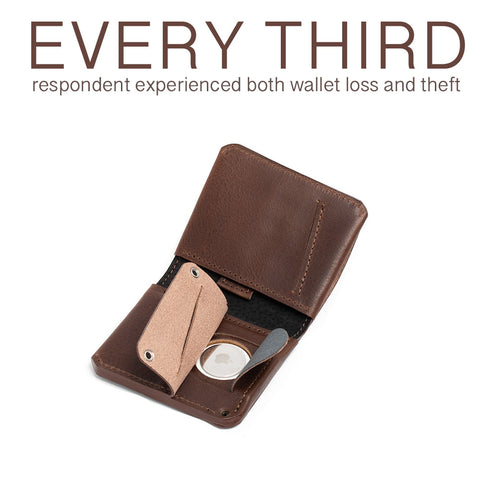
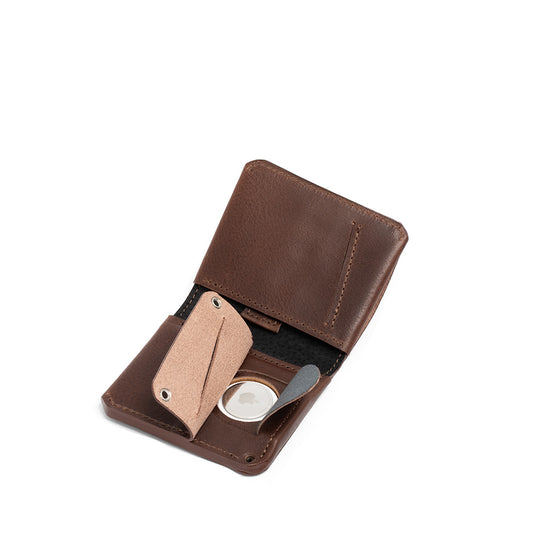
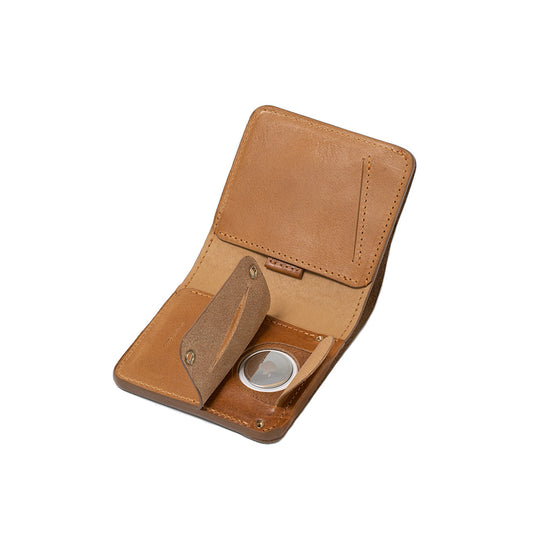
Our AirTag Wallets are designed to make your experience more stress-free thanks to a secret AirTag pocket.
Bottom line
AirTag Lost Mode is best understood as a recovery feature. It lets you show contact information for the finder, helps you get notified when the AirTag is detected again, and works alongside Apple’s Find My network.
The main correction older articles need today is this: Lost Mode, Share Item Location, and Apple Account association are three different things. Once those are separated clearly, AirTag Lost Mode becomes much easier to understand and use correctly.
Quick links:
Comprehensive AirTag F.A.Q.
AirTag Wallet: A Comprehensive Guide
AirTag Wallets
How to Share AirTag with My Family?