
iOS Tips & Tricks
iPhoneの画面録画のビデオ品質を向上させる方法はありますか?
解像度の調整 残念ながら、iPhoneのデフォルトの画面録画機能では直接解像度を調整することはできません。つまり、画面録画の解像度はデバイスの画面と同じになります。これにより鮮明さが保たれますが、より高い解像度で録画したい場合には理想的ではないかもしれません。 サードパーティのアプリ ネイティブの画面録画の制限を克服するために、iOS、Mac OS、Windowsプラットフォームで利用可能なサードパーティのアプリを探索することを検討してみてください。これらのアプリは、調整可能なフレームレート、解像度、コーデックオプションなどの追加機能を提供することがよくあり、ビデオの品質を好みに合わせて微調整することができます。
iPhoneの画面録画のビデオ品質を向上させる方法はありますか?
解像度の調整 残念ながら、iPhoneのデフォルトの画面録画機能では直接解像度を調整することはできません。つまり、画面録画の解像度はデバイスの画面と同じになります。これにより鮮明さが保たれますが、より高い解像度で録画したい場合には理想的ではないかもしれません。 サードパーティのアプリ ネイティブの画面録画の制限を克服するために、iOS、Mac OS、Windowsプラットフォームで利用可能なサードパーティのアプリを探索することを検討してみてください。これらのアプリは、調整可能なフレームレート、解像度、コーデックオプションなどの追加機能を提供することがよくあり、ビデオの品質を好みに合わせて微調整することができます。
How to clear Safari cache on iPhone
Clearing the cache in Safari on your iPhone can help improve performance, free up storage space, and ensure that websites you visit load the latest content. Here's how to do...
How to clear Safari cache on iPhone
Clearing the cache in Safari on your iPhone can help improve performance, free up storage space, and ensure that websites you visit load the latest content. Here's how to do...
iPhone is disabled, connect to iTunes
If your iPhone is displaying a message that says "iPhone is disabled, connect to iTunes," it means that the device has been locked after too many incorrect passcode attempts. This...
iPhone is disabled, connect to iTunes
If your iPhone is displaying a message that says "iPhone is disabled, connect to iTunes," it means that the device has been locked after too many incorrect passcode attempts. This...
How to increase the refresh rate in Safari on a...
On devices that support it, you can enable ProMotion, which is a feature that allows the screen to refresh at up to 120Hz. This can make scrolling, animations, and other...
How to increase the refresh rate in Safari on a...
On devices that support it, you can enable ProMotion, which is a feature that allows the screen to refresh at up to 120Hz. This can make scrolling, animations, and other...
How to delete browsing history in Safari on iPhone
If you want to delete your browsing history in Safari on your iPhone, you can do so by following these steps: Open the Settings app on your iPhone. Scroll down...
How to delete browsing history in Safari on iPhone
If you want to delete your browsing history in Safari on your iPhone, you can do so by following these steps: Open the Settings app on your iPhone. Scroll down...
Safari preferences on iPhone (iOS)
Safari is the default web browser on iOS devices, such as the iPhone and iPad. Just like on the Mac, Safari for iOS comes with a variety of preferences that...
Safari preferences on iPhone (iOS)
Safari is the default web browser on iOS devices, such as the iPhone and iPad. Just like on the Mac, Safari for iOS comes with a variety of preferences that...
-
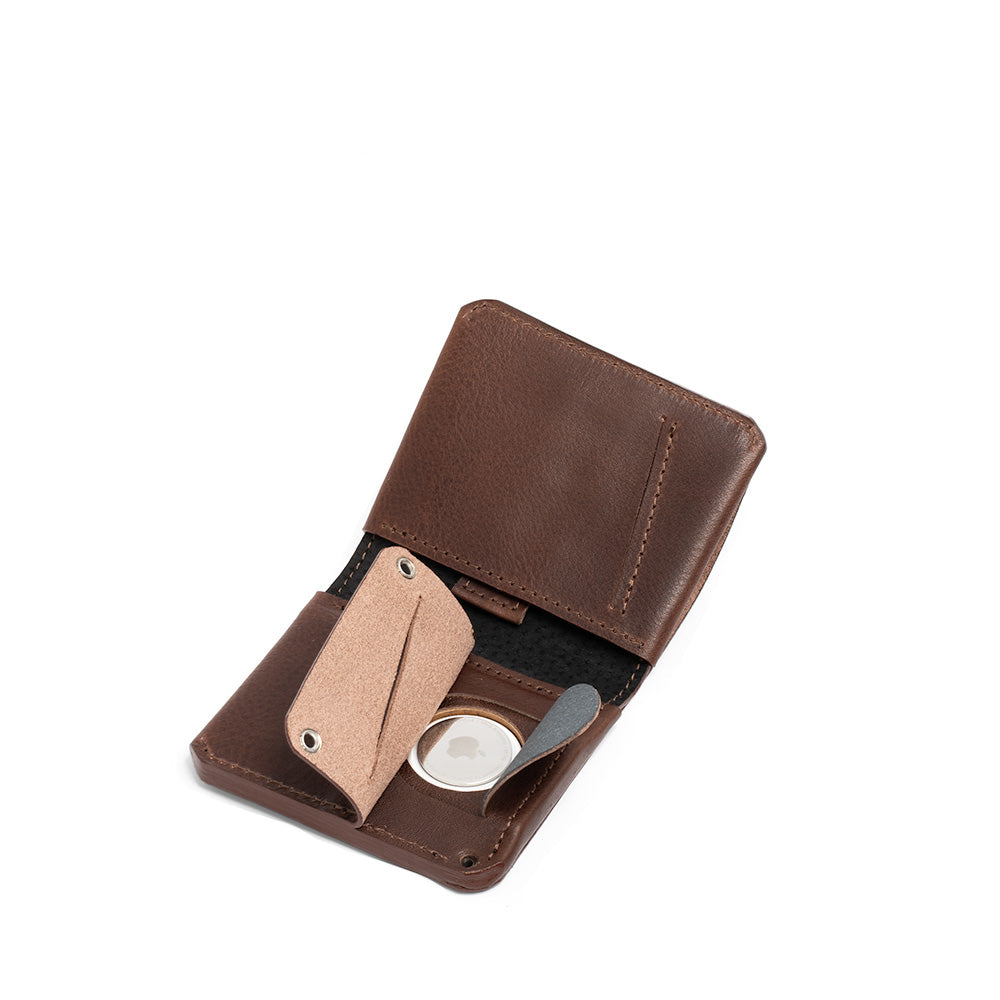
AirTag対応レザーウォレット
カスタマイズ可能なAirTagウォレットコレクションは、AirTagカードホルダー、AirTag二つ折りウォレット、AirTagパスポートホルダー、AirTagトラベルウォレットをラインナップ。いずれもトスカーナのタンナー(革なめし工房)で仕立てられた、最高級のイタリア製ベジタブルタンニンなめしレザーを贅沢に使用し、細部まで丁寧に作り込んでいます。すべてのモデルに、AirTagを目立たずスマートに収納できる専用の隠しポケットを搭載。外部から見つけにくい設計で、第三者に気づかれにくいのも特長です。各モデルとも、名入れなどのパーソナライズは無料で承ります。
-
MagSafe対応レザーウォレット
iPhone 17 / 16 / 15 / 14 / 13 / 12シリーズに対応する、カスタマイズ可能なMagSafeウォレットをご覧ください。...
-
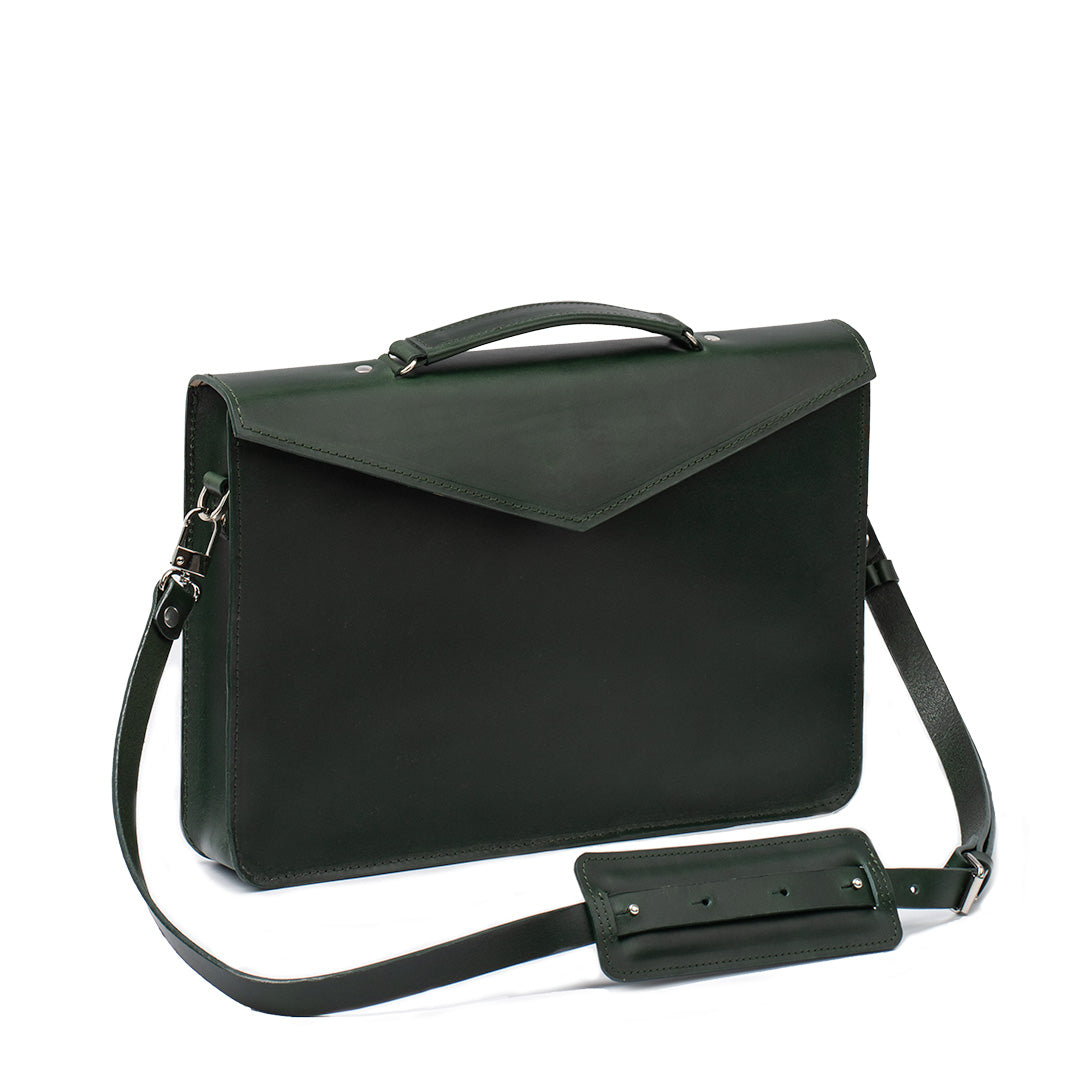
MacBook用スリーブ&バッグ
ジオメトリックグッズのプレミアムケースおよびMacbook用スリーブは、高品質で環境に優しいベジタブルタンニンなめし革を使用して、イタリアのトスカーナ地方のタンナリーから取得してハンドクラフトされています。これらはシンプルかつユニークなデザインで目立ち、100%ウールの裏地を特徴とし、MacBookに信頼できる保護を提供します。これらのケースは、幅広いMacBookモデルに対応しています。すべての製品は、文字または数字でパーソナライズすることができます。 完璧なデザインが見つからない場合は、気軽にお問い合わせください。また、カスタム製品 も提供しており、お客様の特定の好みと要件に合わせて調整されています!