
QUICK LINKS:
Apple Pencil 3
Apple Pencil and iPhone Compatibility
Exploring the Best Apple Pencil Alternatives

The Apple Pencil has transformed how we interact with our iPads, offering unparalleled precision for artists, designers, note-takers, and general users alike. However, one common question pertains to its eraser functionality. Unlike some digital styluses that include a physical eraser on the opposite end, the Apple Pencil approaches erasing differently. This article explores the eraser capabilities of both the first and second-generation Apple Pencils and offers tips on maximizing this feature to enhance your iPad experience.
The Apple Pencil, across both its generations, does not include a physical eraser at the top, as seen in some traditional styluses. Instead, Apple has integrated the erasing function within the iPadOS, providing a seamless digital workflow that keeps your creative process fluid and uninterrupted.
Introduced alongside the first iPad Pro, the first-generation Apple Pencil revolutionized digital art and note-taking. To access the eraser function with this model, users must select the eraser tool from the app they are using. This can typically be done by tapping on the eraser icon within the app's toolbar, a slight departure from the physical eraser many might expect but an easy adjustment to make.
The second-generation Apple Pencil, compatible with newer iPad models, enhances the user experience with additional features like magnetic attachment and wireless charging. While it also lacks a physical eraser, it introduces customizable gestures, including a double-tap feature that can be configured to switch between tools, including the eraser. This allows for a quicker and more intuitive switch from drawing or writing to erasing.
Take advantage of the customizable double-tap feature to quickly switch to the eraser without breaking your creative flow. This can be configured in the iPad's settings under the Apple Pencil options.
Explore Third-Party Apps
Many drawing and note-taking apps offer advanced eraser settings that go beyond the default iPad Notes app. These settings can include varying eraser sizes, shapes, and even pressure sensitivity, offering a more tailored erasing experience.
Familiarize yourself with the location and behavior of the eraser function in your most-used apps. Knowing how to quickly access and effectively use the eraser can save time and enhance your productivity.
Learn any shortcuts or gestures your chosen app offers for erasing. Some apps allow you to use gestures like a two-finger tap to undo or a three-finger swipe to erase, which can be faster than switching to an eraser tool.
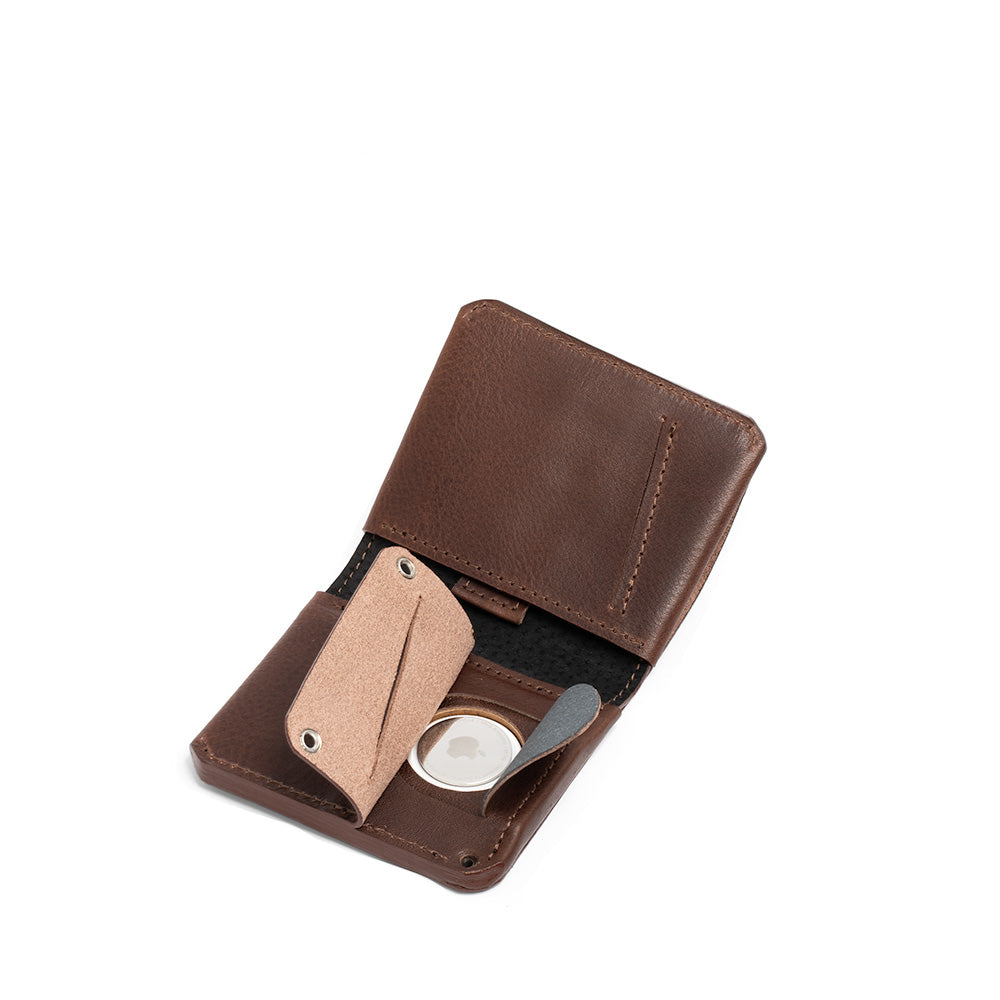
カスタマイズ可能なAirTagウォレットコレクションは、AirTagカードホルダー、AirTag二つ折りウォレット、AirTagパスポートホルダー、AirTagトラベルウォレットをラインナップ。いずれもトスカーナのタンナー(革なめし工房)で仕立てられた、最高級のイタリア製ベジタブルタンニンなめしレザーを贅沢に使用し、細部まで丁寧に作り込んでいます。すべてのモデルに、AirTagを目立たずスマートに収納できる専用の隠しポケットを搭載。外部から見つけにくい設計で、第三者に気づかれにくいのも特長です。各モデルとも、名入れなどのパーソナライズは無料で承ります。

iPhone 17 / 16 / 15 / 14 / 13 / 12シリーズに対応する、カスタマイズ可能なMagSafeウォレットをご覧ください。...
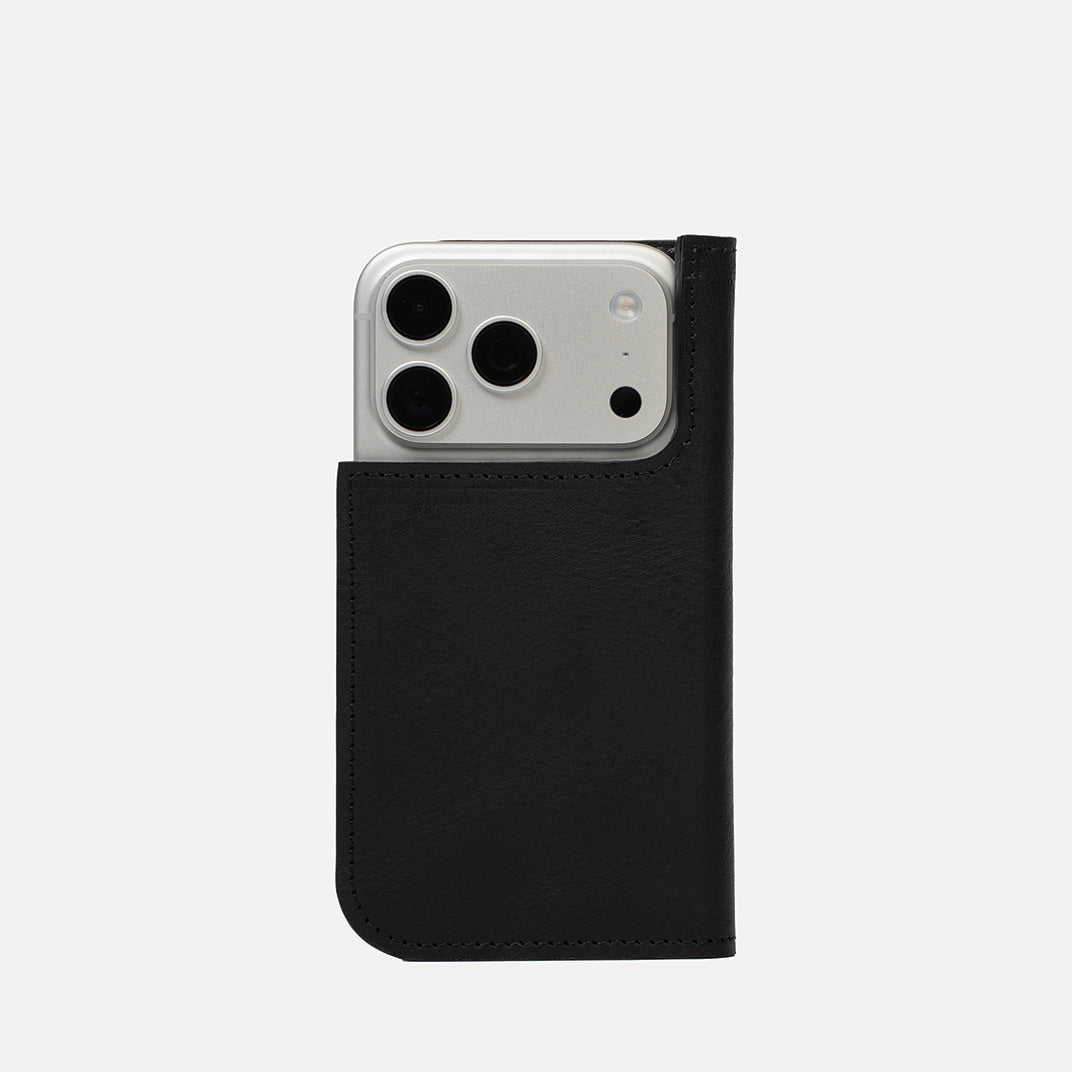
カスタマイズ可能なMagSafe対応レザーフォリオケースをご覧ください。iPhone 16 / 15 / 14 / 13 / 12シリーズに対応 環境に配慮したイタリアのタンナーから仕入れた高級フルグレインレザーで作られたフォリオケースは、使うほどに美しく経年変化します。文字や数字でパーソナライズすることができ、 カスタムデザインについてはお問い合わせください。
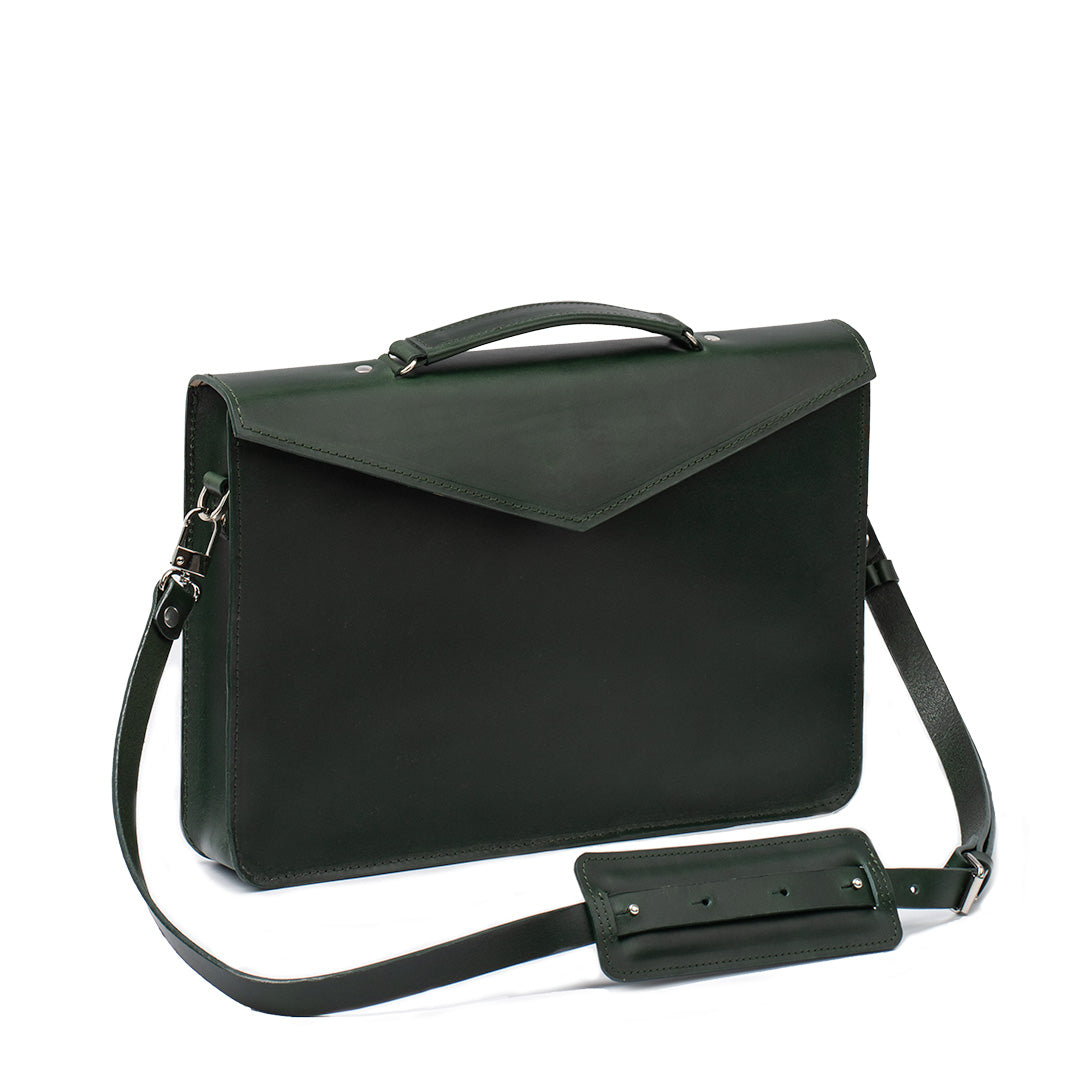
ジオメトリックグッズのプレミアムケースおよびMacbook用スリーブは、高品質で環境に優しいベジタブルタンニンなめし革を使用して、イタリアのトスカーナ地方のタンナリーから取得してハンドクラフトされています。これらはシンプルかつユニークなデザインで目立ち、100%ウールの裏地を特徴とし、MacBookに信頼できる保護を提供します。これらのケースは、幅広いMacBookモデルに対応しています。すべての製品は、文字または数字でパーソナライズすることができます。 完璧なデザインが見つからない場合は、気軽にお問い合わせください。また、カスタム製品 も提供しており、お客様の特定の好みと要件に合わせて調整されています!